Architecture
APISIX is built on NGINX and ngx_lua, using LuaJIT for request-time logic. See Why Apache APISIX chose NGINX and Lua to build an API gateway.
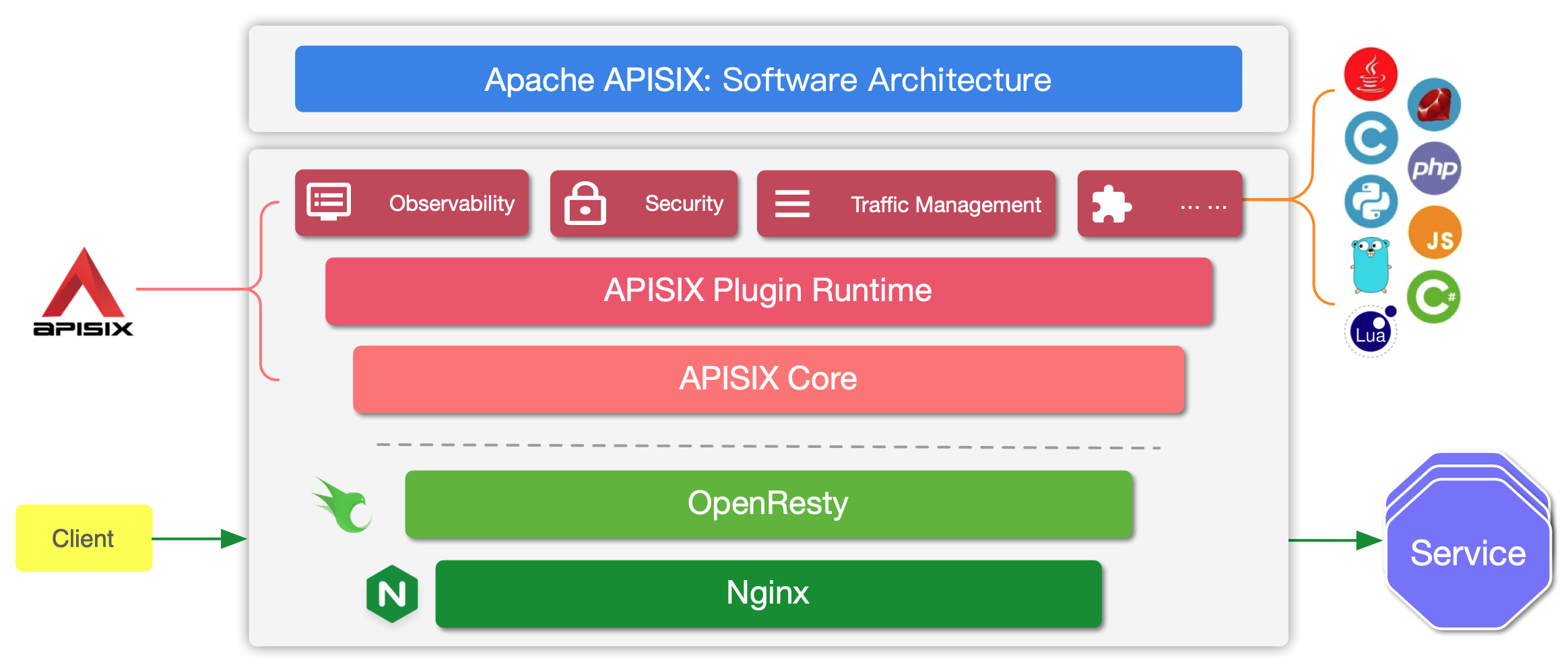
At runtime, APISIX has two main parts:
- The APISIX core and plugin runtimes, which match requests, select upstreams, and execute plugins.
- Built-in plugins for authentication, traffic control, observability, transformations, and other opt-in policies.
The APISIX core handles Route matching, load balancing, service discovery, and configuration updates. Lua plugins run in the APISIX worker process. External plugin runners support selected additional languages, while the WebAssembly plugin runtime remains experimental.
Built-in plugins are written in Lua and are opt-in: a plugin affects traffic only when it is configured on a matching Route, Service, Consumer, or other supported scope. Browse the Plugin Hub for the available plugins and their configuration.
Configuration and deployment modes
APISIX supports multiple control-plane and data-plane topologies:
- Traditional mode: One APISIX role handles traffic and exposes the Admin API, with configuration stored in etcd.
- Decoupled mode: Separate control-plane and data-plane roles share configuration through etcd. The data plane does not expose the Admin API.
- Standalone file-driven mode: A data-plane role loads full configuration from a local YAML or JSON file and does not use etcd as its configuration center.
- Standalone API-driven mode: A traditional role accepts full, in-memory configuration through the dedicated Standalone Admin API. This path is designed for integrations such as the APISIX Ingress Controller and ADC; do not use it directly without understanding its full-replacement and versioning behavior.
Choose the topology before designing network access, configuration delivery, and failure handling. See Deployment modes for the current role and configuration-provider settings.
Request handling process
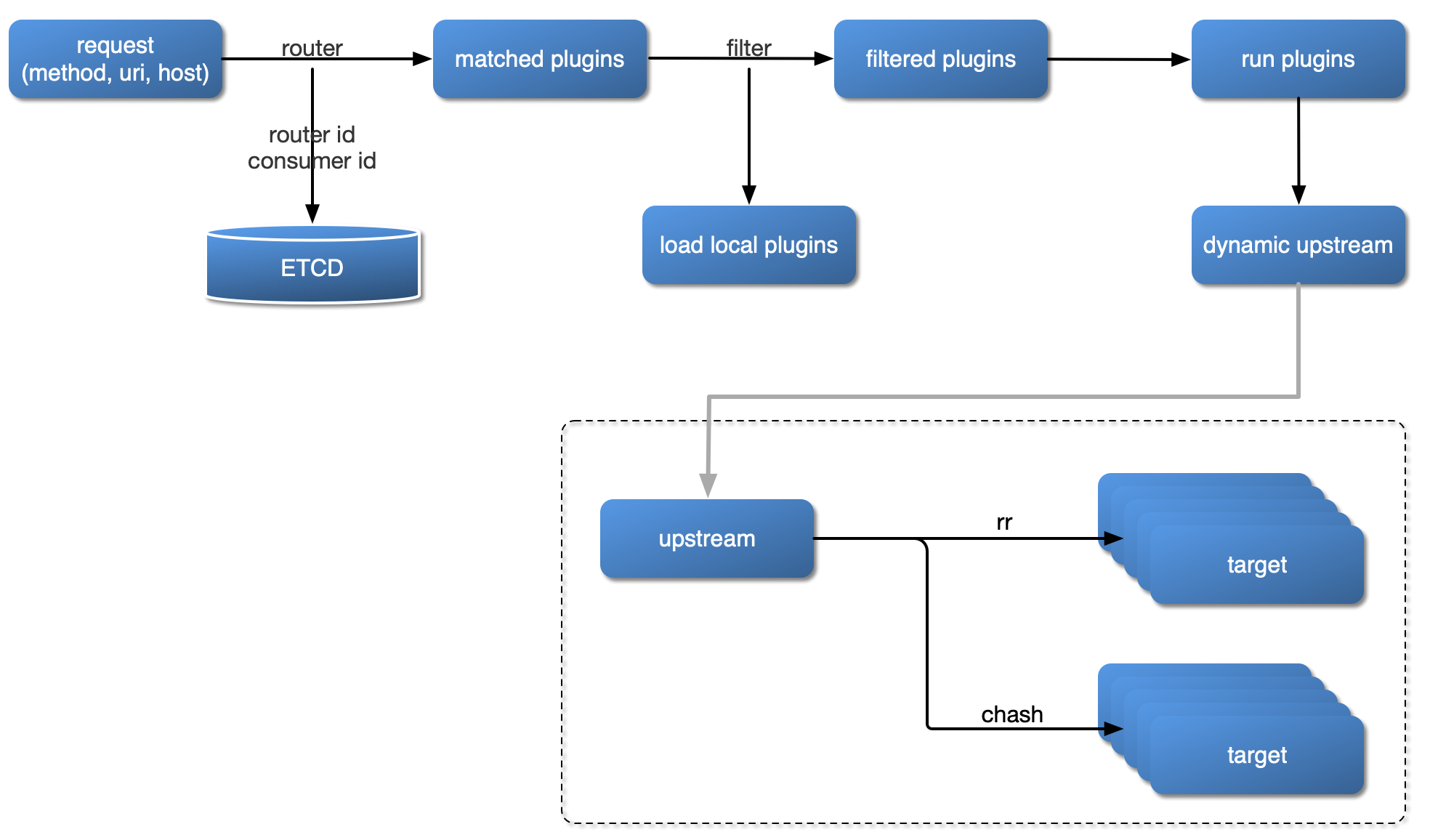
The diagram below shows how APISIX handles an incoming request and applies corresponding Plugins:
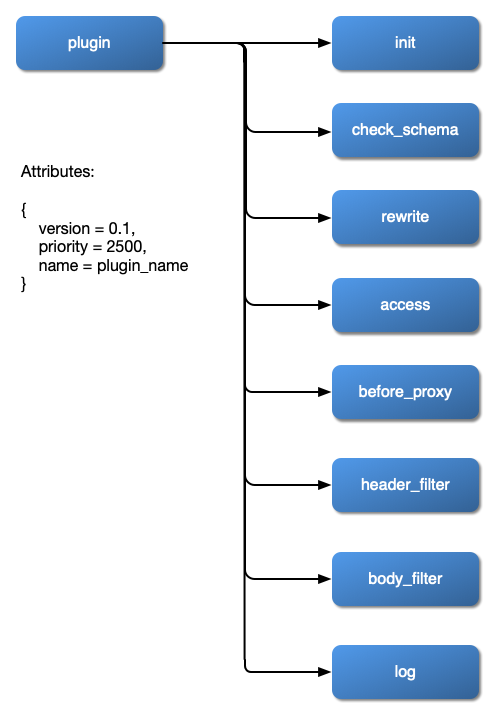
Plugin hierarchy
The chart below shows the order in which different types of Plugin are applied to a request: